Merkado Guides Hub
First-hour setup, tawad mastery, cash routes, and stall upgrades in one place.
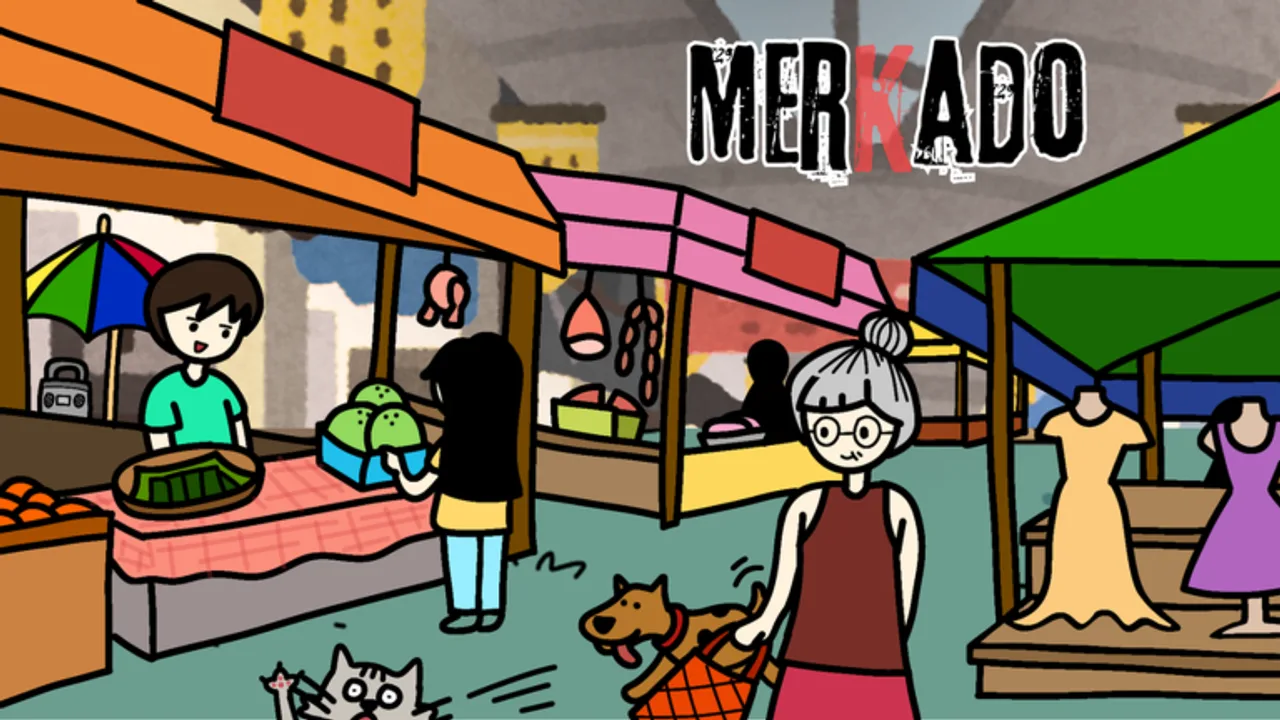
Welcome to the Merkado Guides Hub. Merkado by Lokalidad Studio is a free Roblox Simulation / Tycoon where you run a Filipino palengke stall: buy seafood, meat, and vegetables, bargain with customers through tawad, manage utang (credit), restock shelves, and grow a tiny booth into a busy market. Servers hold up to six players, so the floor stays lively without turning into a free-for-all megaserver.
This hub is the map for every how-to on the wiki. Start with the first-hour walkthrough if you just joined, then branch into bargaining, money routes, and structural upgrades. Pair these pages with the live Codes list, the Tier List Hub for product priorities, and the Players Hub for customer behavior and multiplayer etiquette. When you want automation discussion, see the Scripts Hub. Patch notes and feature drops live on Updates.
Core guide paths
First hour and onboarding
New vendors should open Getting Started before anything else. That guide walks you through joining the experience, claiming a basic stall, buying supplies, stocking tables, serving the first wave of buyers, redeeming promo codes for early cash and potions, practicing a safe bargain, and deciding when your first upgrade is worth the spend. It also links every other guide so you never dead-end after the tutorial beat.
Bargaining and credit
Profit in Merkado is not only “put items on the table.” The Filipino market fantasy centers on tawad—reading a customer, offering a counter, and knowing when to hold the line or close the sale. How to Bargain goes deep on accept/reject timing, mood signals, utang risk, and keeping margin without emptying the queue. Return to that page whenever you feel stuck giving every discount away.
Cash and restock loops
Once the stall is online, speed matters. Make Money Fast ranks practical cash routes: codes first, high-turnover products, restock timing, Money Potion and Candy Corn usage, and how empty shelves kill momentum. Use it together with the Tier List Hub so you are not restocking low-demand goods while neighbors clear seafood in seconds.
Stall growth and license progression
Structural growth—capacity, tables, layouts, and license-style progression—is funded by in-game cash, not Robux for the core upgrade path. Stall Upgrades explains what to unlock first, how layouts change throughput, and how to avoid spending your entire float on a vanity step before you can restock. Stall License zooms in on automatic basic-stall onboarding and how vendor progression gates map to those same cash unlocks. Cross-check Updates after patches in case upgrade costs or unlock order shift.
Restock discipline
Empty shelves kill momentum even when your bargain floors are perfect. Restock Inventory covers timing triggers, seafood/meat/vegetable refill priority, and when to burn Money Potion or Candy Corn during rushes. Pair it with Make Money Fast so every supply run funds the next upgrade instead of a panic buy.
Seasonal events
Holiday windows add Cash, cosmetics, and consumables on top of the normal loop. Halloween Event covers HALLOWEEN26, the Witch Broom, Candy Corn Potion habits, and how to verify codes that community sites sometimes mark expired. Always confirm the live list on Codes.
How to use this hub
- Redeem every active code on Codes the moment you load in (see How to Redeem Codes if the Settings path is unclear).
- Complete Getting Started so your first hour is structured.
- Practice How to Bargain until you stop panic-accepting bad offers.
- Follow Make Money Fast and Restock Inventory for a restock-and-sell loop that funds upgrades.
- Spend that cash using Stall Upgrades and Stall License priorities.
- During seasonal spikes, skim Halloween Event before blowing event Cash on cosmetics.
- Revisit the Tier List Hub and Players Hub when demand or server culture changes.
Related wiki hubs
- Codes — promo rewards, potions, and event cash
- Tier List Hub — seafood, meat, vegetables, events, potions
- Players Hub — buyer types and six-player etiquette
- Scripts Hub — feature lists and safety notes
- Updates — what changed after each patch
Guides on this wiki stay practical: real YouTube embeds where helpful (one per page, mid-article), locale-agnostic internal links, and no filler. If a mechanic changes after a Lokalidad Studio update, we revise the matching guide and note it on Updates. Bookmark this hub, clear the first-hour checklist, then chase the cash and upgrade loops until your small stall feels like a full market.
Frequently Asked Questions
Quick answers about codes, bargaining, and stall growth.
Which Merkado guide should I read first?
Start with Getting Started for the first-hour loop (claim stall, stock, serve, redeem codes). Then open How to Bargain and Make Money Fast before heavy upgrades.
Do these guides cover codes and tier rankings?
Guides link out to the Codes Hub and Tier List Hub instead of duplicating full tables. Use those hubs for live rewards and product ranks; use guides for the how-to steps.
Are stall upgrades paid with Robux?
Core structural upgrades, capacity, tables, and layout unlocks are funded with in-game cash earned from sales and codes. Check Stall Upgrades and Stall License for the recommended spend order.
Where do I learn restock timing and Halloween rewards?
Use Restock Inventory for empty-shelf timing and category priority. Use the Halloween Event guide for HALLOWEEN26, Witch Broom, and Candy Corn Potion tips, then verify codes on the Codes hub.
How many players are on a Merkado server?
Servers are sized for six players. The Players Hub covers etiquette and how shared floor space affects restock and bargaining flow.
Where do I find patch notes?
Use the Updates hub after each Lokalidad Studio patch, then re-check Make Money Fast, Restock Inventory, and Stall Upgrades if economy or unlock costs changed.