Merkado Stall Upgrades and Expansion
Capacity, tables, layouts, and license progression—what to buy first with real cash float.
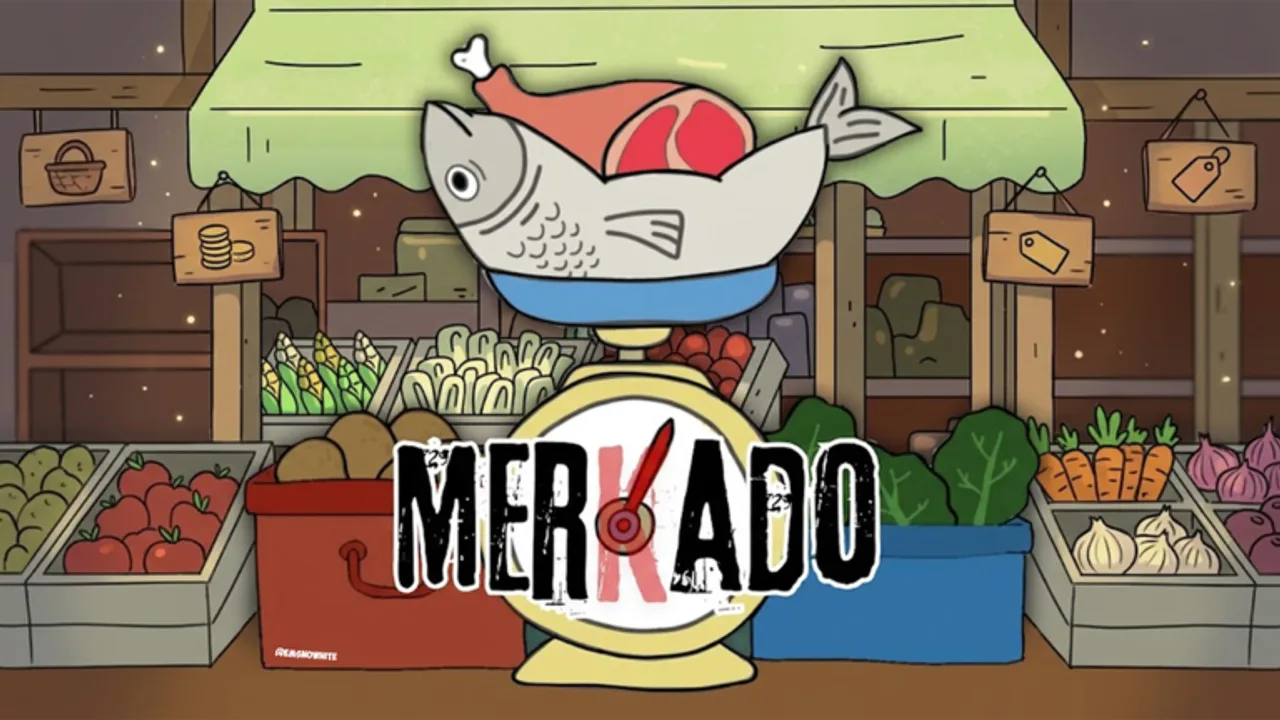
Growing Merkado from a tiny palengke booth into a full market is a cash problem, not a Robux checklist. Lokalidad Studio’s loop asks you to earn from seafood, meat, and vegetables, protect margin with tawad, avoid reckless utang, and reinvest into capacity, tables, layouts, and license-style progression. This guide explains how stall expansion works, what to prioritize, and how to upgrade without stranding yourself on empty shelves. Come here after Getting Started and once Make Money Fast is funding a surplus.
How stall expansion works
You begin with a basic vendor setup. Expansion is handled in-world: interact with stall structures and upgrade UI, spend earned cash, and unlock more room to display and sell. Typical axes of growth:
- Capacity — how much stock you can hold or stage between supply runs.
- Tables / display — how much product customers can see and buy at once.
- Layouts — booth shape and flow that affect how quickly you serve and restock.
- License / progression gates — story-flavored unlocks that open bigger footprints as you prove the business.
Research and current design notes agree on a key point: structural stall enhancements, layout permissions, and inventory-facing unlocks are purchased with in-game currency, not Robux. Optional cosmetics or gamepasses may exist around the edges, but do not plan your core empire on paid shortcuts. Earn, then expand.
After any patch, skim Updates in case costs or unlock order changed.
Capacity: stop selling out mid-queue
Buy capacity when you consistently empty trays before you can finish a bargain chain. Symptoms:
- Customers waiting while you sprint for supplies.
- Potion windows wasted on half-empty tables.
- You reject good sales only because you fear running out.
Capacity pays for itself by keeping Make Money Fast loops alive. It is usually a better first spend than a purely cosmetic layout.
Tables and display: visibility is velocity
Extra tables or better display slots matter when buyers walk past because they cannot see goods. A larger footprint with nothing on it still earns zero—so unlock tables only when you can fill them using guidance from the Tier List Hub. Mix fast vegetables with meat and a controlled seafood presence so every new surface works.
Layouts: serve path and restock path
Layouts change how you move. Prefer unlocks that:
- Shorten the walk between supply purchase and tables.
- Keep bargain UI interactions smooth under crowd pressure.
- Avoid blocking neighboring vendors on a six-player server (see Players Hub).
Skip layouts that only look flashy if they lengthen your restock route. Seconds matter when NPC waves spike.
License and progression funding
Think of license-style steps as proof-of-business gates. Fund them with surplus after you can still restock a full set of trays. Never dump your entire float into the next gate and then stand in an upgraded, empty stall. If a license unlock lands right after a code drop, redeem Codes first, restock, then buy the gate.
Recommended priority order
Use this default ladder and adjust after patches:
- Stabilize float — codes, high-turn stock, bargain floors (How to Bargain).
- Capacity — stop mid-queue sellouts.
- Tables / display — only as fast as you can fill them.
- Practical layout — shorter restock and clearer customer approach.
- License / footprint gates — when surplus is real.
- Premium seafood depth — once floors and capacity support it.
- Vanity — last, never first.
Early vs late upgrade mindset
Early
- One meaningful capacity or table upgrade beats three tiny vanity buys.
- Keep utang near zero so upgrade cash is predictable.
- Recheck prices after each Updates note.
Mid
- Add layout quality-of-life when serve speed plateaus.
- Expand seafood share only with firm tawad discipline.
- Use Money Potion windows to bank an upgrade chunk faster (Make Money Fast).
Late
- Run multiple full trays without gaps.
- Unlock larger footprints only when you can staff them with stock and attention.
- Treat event income as burst funding, not a permanent income assumption.
Cash buffer rule
Before confirming any upgrade, ask:
- Can I still buy a full high-turn restock afterward?
- Do I have an active potion I should burn on full tables first?
- Will this unlock reduce empty-shelf time within the next session?
If the answer to the first question is no, wait. An upgrade that forces empty shelves is a downgrade in disguise.
Multiplayer considerations
On six-player servers, a bigger stall can crowd aisles. Place and expand with etiquette: leave paths for other vendors, do not trap NPC queues across someone else’s tables, and avoid upgrade celebrations that block the market floor. Culture tips live on the Players Hub.
Linking upgrades to the rest of the wiki
- Earn faster with Make Money Fast and Codes.
- Protect margin while saving with How to Bargain.
- Choose what to put on new tables via Tier List Hub.
- Relearn the first-hour loop anytime with Getting Started.
- Track cost changes on Updates.
- Return to the Guides Hub for the full map.
Common upgrade mistakes
- Spending every coin the second an unlock lights up.
- Buying display space you cannot stock.
- Ignoring capacity while chasing cosmetics.
- Funding upgrades with stacked utang you cannot collect.
- Skipping code redeems that would have paid for the next tier.
- Expanding into neighbors’ walkways on a full server.
Expand like a real market vendor: prove the booth works, then buy more booth. Merkado’s fantasy—from small stall to big market—only lands if every unlock still leaves you able to sell fresh goods five minutes later.
Frequently Asked Questions
Quick answers about codes, bargaining, and stall growth.
Are Merkado stall upgrades paid with Robux?
Core structural upgrades—capacity, tables, layouts, and license-style progression—are funded with in-game cash from sales and codes, not Robux.
What should I upgrade first?
Stabilize your restock float, then buy capacity to stop mid-queue sellouts. Add tables only as fast as you can fill them, then practical layouts.
Why did my upgrade make me poorer?
You likely spent your entire float and could not restock. Always keep a buffer for a full high-turn supply run after confirming an unlock.
Do layouts matter as much as capacity?
Capacity prevents sellouts; layouts shorten restock and serve paths. Take capacity first if you are constantly empty, then a layout that reduces walking time.
Where do I check if upgrade costs changed?
Read the Updates hub after Lokalidad Studio patches, then re-run Make Money Fast priorities if the economy shifted.